
Logging In
RICOH Logging into Multi-functional Devise
Tap the touch screen;

There are two options for authenticating to the device:
- Typing in your computer/ network/ e-mail user name and password OR
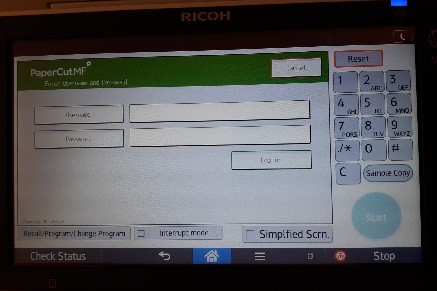
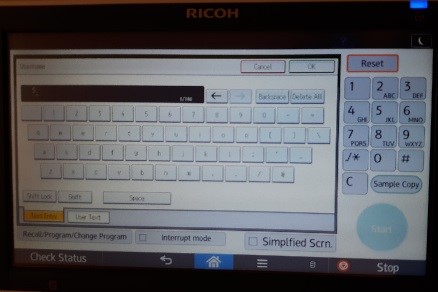
- Entering your 6-digit copy code
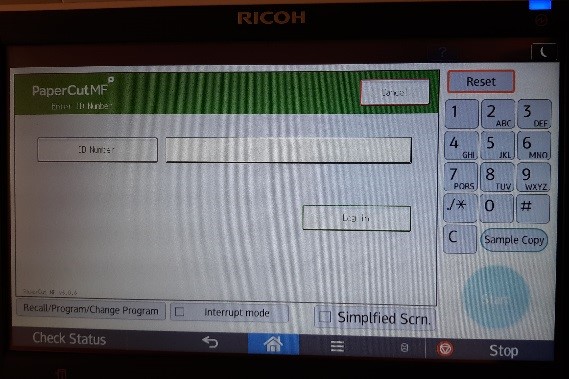
Select the desired means of authenticating and use the on-screen keyboard or 10-key pad to enter information; and select Login.